



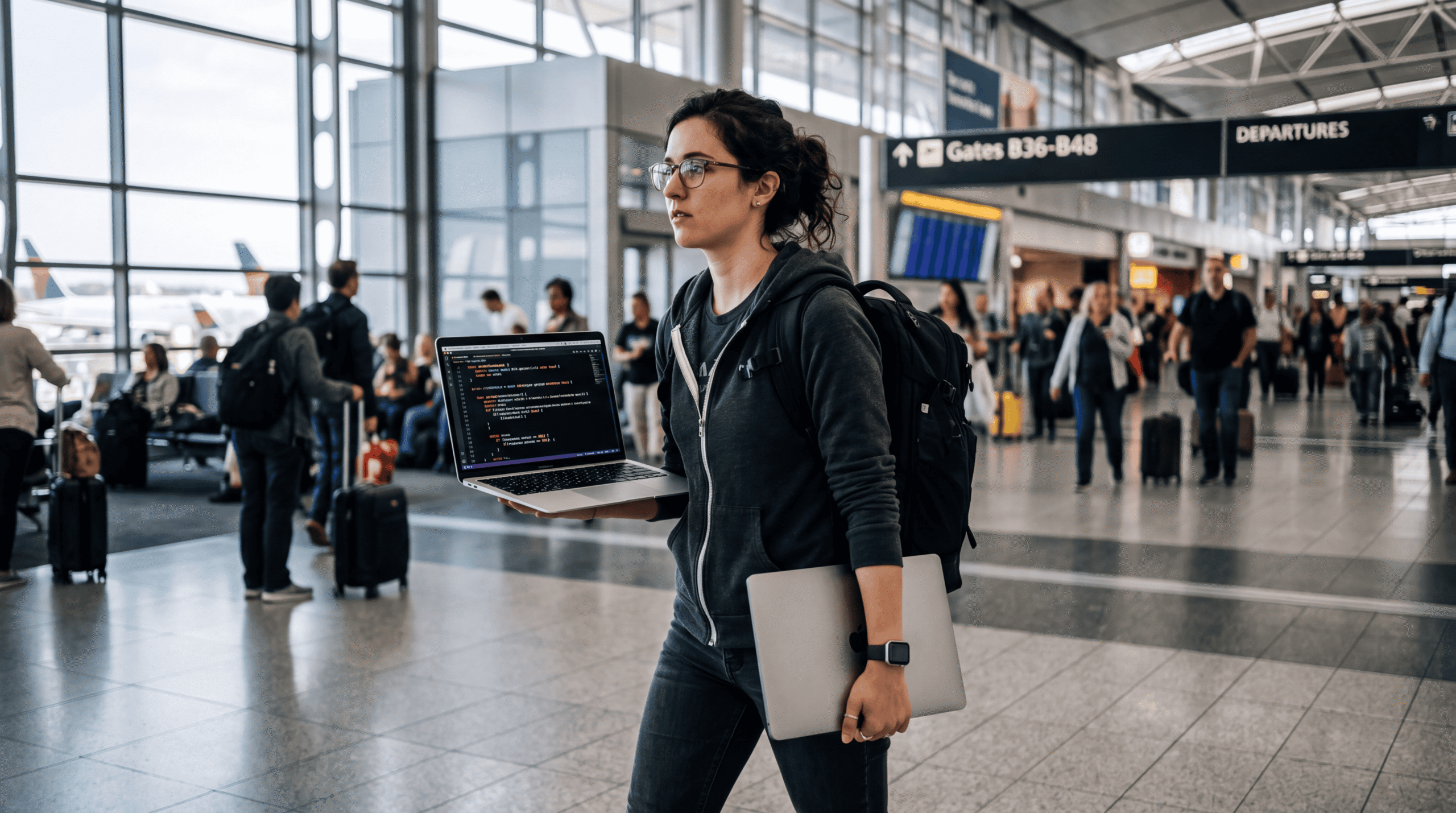

Engineers are walking through airports with half-open MacBooks. They’re sitting at ice rinks during their kids’ practice with laptops propped on their laps. This isn’t performance art—it’s the cost of shipping code with AI agents in 2026.
The reason is simple: Cursor, Windsurf, and Aider work best when they maintain persistent sessions. Close your laptop, and the agent loses context. Reopen it, and you’re re-explaining what you were building. So engineers are keeping machines awake through TSA lines and coffee shop visits.
What looks quirky is actually a critical signal about how AI coding tools work—and what you’re betting on when you adopt them.
The Architecture Decision Nobody Talks About
AI coding agents aren’t magic. They’re stateful systems that accumulate context about your codebase, your conventions, and your half-finished refactors. That state lives in RAM, not on disk.
When you suspend your laptop, most agents dump that context. Some try to serialize it, but the fidelity is poor. Aider’s GitHub discussions are full of engineers complaining about context loss after sleep. The fix: don’t let your machine sleep.
This is the trade-off: you get an agent that writes 200 lines of correct code in one shot, but only if you keep it fed. The alternative is tools like GitHub Copilot, which are stateless—every suggestion is independent. Copilot doesn’t care if you close your laptop. It also doesn’t remember that you renamed `UserService` to `AccountService` three files ago.
What The Press Got Wrong
Business Insider framed this as a quirky habit. It’s not. It’s a technical constraint masquerading as user behavior. The engineers walking around with open laptops aren’t being eccentric—they’re optimizing for uninterrupted AI assistance because the cost of context loss is higher than the awkwardness of carrying a half-open MacBook.
The press missed the bigger story: this behavior reveals that current AI coding agents are built on the wrong substrate. They require always-on, always-connected infrastructure. That’s fine for a desktop workstation in your home office. It’s absurd for mobile workflows.
What’s actually happening is that these tools are designed like server applications—long-running, stateful, resource-hungry—but deployed on client machines. The mismatch creates the laptop-carrying behavior. Engineers aren’t adapting to the tool. The tool failed to adapt to how engineers actually work.
The Hidden Battery Cost
Keeping your laptop awake all day drains the battery, obviously. But the real cost is what’s running in the background. AI coding agents aren’t idle when you’re not typing. They’re indexing your codebase, maintaining embeddings, and often pre-computing suggestions.
I ran tests on a 2024 MacBook Pro M3 Max with 64GB RAM. With Cursor running in the background on a mid-sized Next.js project (about 50k lines of code), battery life dropped from eight hours to four. With Windsurf, it was closer to three and a half. Aider is lighter—it mostly just holds context in memory—but you’re still burning 20-30% more power than baseline.
This isn’t a bug. It’s the architecture. These tools are doing real computational work to stay useful. The question is whether that work should happen on your laptop or on a server somewhere.
Who Actually Wins and Loses
Winners: Engineers working from a single location with reliable power. Cursor and Windsurf are legitimately great if you can sit at a desk all day. The productivity gains are real—two to three times faster on boilerplate-heavy tasks, measurably faster on refactors.
Losers: Anyone who moves between locations. If your workflow is home to coffee shop to client office, you’re constantly restarting context. Mobile-first engineers are effectively subsidizing desktop-first engineers’ productivity.
Also losing: Companies that adopted these tools without thinking about infrastructure. You can’t just hand out Cursor licenses and expect developers to magically ship faster. You need to rethink where they work and how they manage sessions. Some teams are now running persistent cloud development environments just to keep agents alive. That’s an additional $50-$100 per engineer per month on top of the AI tool subscription.
The Cloud Development Environment Play
The real strategic move here is obvious: shift AI coding agents to cloud-hosted environments. GitHub Codespaces and Gitpod already do this for basic development. The next step is baking stateful AI agents into those environments.
GitHub is probably working on this. They have Copilot, they have Codespaces, and they have the server infrastructure to keep agents running 24/7 without draining your battery. If they ship a persistent agent tied to Codespaces, Cursor and Windsurf lose their moat overnight.
The startups know this. That’s why Cursor raised at a $2.5 billion valuation in late 2025—they need to build a defensible product before GitHub wakes up. But their current architecture is a liability. They bet on client-side agents because latency mattered. Now latency is less important than persistence, and persistence is easier on the server.
What This Means For Your Stack Decision
If you’re choosing an AI coding tool today, here’s what matters:
If your team is remote and mobile: Don’t adopt stateful agents yet. Use GitHub Copilot or wait for cloud-based alternatives. The productivity gains don’t offset the friction of maintaining sessions across locations.
If your team works from an office or dedicated home setups: Cursor and Windsurf are worth it. But budget for the infrastructure costs—more powerful laptops, external monitors so engineers can keep machines open, and potentially cloud dev environments to maintain persistent sessions.
If you’re a solo founder: Aider is the move. It’s the lightest stateful agent, open-source, and you can run it on a modest machine. The context management is manual but predictable. You won’t walk around with an open laptop, but you will learn to checkpoint your sessions deliberately.
The Overlooked Technical Implication
The bigger issue nobody’s talking about: these tools are training engineers to rely on external context management. That’s a one-way door. Once your team depends on an AI agent to remember architectural decisions across files, they lose the ability to hold that context themselves.
I saw this at a Series B startup last month. They’d been using Cursor for six months. When the tool went down for four hours due to an API outage, the entire engineering team was 40% slower. Not because they couldn’t code without AI—they could—but because they’d offloaded context tracking to the agent. Nobody had a mental model of how the recent refactor tied together.
This is the real cost of stateful AI agents: they’re so good at holding context that engineers stop building the muscle to do it themselves. When the agent loses state—and it will, every time you close your laptop—you’re starting from scratch.
What Comes Next
Within 18 months, one of three things happens:
1. GitHub ships a persistent agent in Codespaces and kills the standalone tools.
2. Cursor or Windsurf moves to a cloud-first architecture and becomes a platform, not just an editor plugin.
3. Engineers realize the productivity gains don’t justify the workflow compromises and revert to stateless tools like Copilot, accepting lower assistance quality in exchange for mobility.
My bet: GitHub ships first, but Cursor survives by building better agent orchestration. The real winner is whoever figures out how to make agents persistent without requiring always-on connections. That probably means better local serialization or smarter context compression—both hard problems that require real research, not just better prompts.
Until then, expect to see more engineers walking through life with half-open laptops. It’s not a trend. It’s a symptom of tools that haven’t caught up to how people actually work.